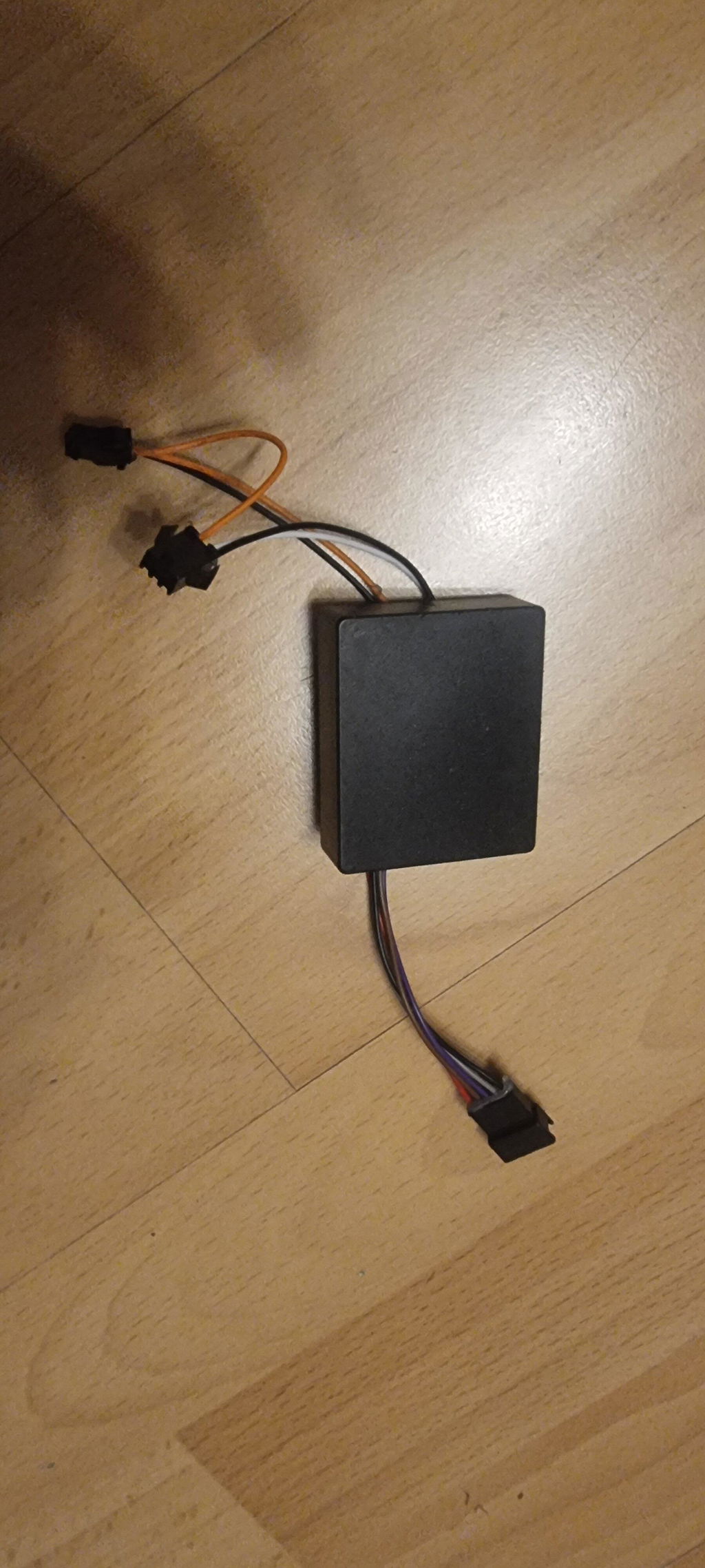
For electric scooters, the display screen is more than just a simple accessory showing speed; it's a crucial tool for riders to understand vehicle status, monitor battery level, and control riding modes. Whether for daily commutes, city riding, or off-road adventures, a clear and intuitive display screen makes riding more convenient and safer.
Different electric scooter models may have displays that vary in appearance, size, display method, and function. TODIMART offers a variety of display solutions for different models and usage scenarios. This article will detail the main functions and working principles of electric scooter displays, as well as the characteristics of displays across different TODIMART models, helping you better understand your electric scooter.

I. What is the Function of an Electric Scooter Display Screen?
Electric scooter displays are typically mounted in the center or near the handlebars and serve as an important information interaction interface between the rider and the vehicle.
During riding, the display typically shows the following information:
Current speed、Battery level、Total mileage、Single trip mileage、Current riding mode、
Light status、Turn signal status、Fault codes、Voltage and other vehicle operating information.
Different models and controller configurations may vary, so the actual displayed content will differ.
This information allows riders to understand the vehicle's current status at any time. For example, checking the battery level before a long ride helps determine if charging is needed; observing speed during riding allows for better speed control; if the vehicle malfunctions, some displays will also show corresponding fault codes to help users quickly diagnose the problem.
II. How does the electric scooter display work?
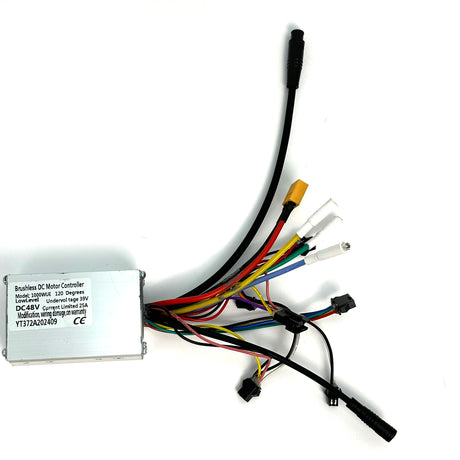
The electric scooter display itself does not work independently; it is typically connected to the controller, motor, throttle, brake sensors, battery, and other electronic components.
When the vehicle starts, the battery provides power to the controller and display. The controller continuously collects vehicle operating data, such as motor speed, battery voltage, throttle signal, and brake signal, and then transmits this information to the display.
After processing the data, the display shows this information to the rider in the form of numbers, icons, or indicator bars. In simple terms, it can be understood as:
Battery → Controller → Display → Rider
Therefore, if the display malfunctions, it doesn't necessarily mean the display itself is damaged; it could also be related to the battery, controller, wiring, or sensors.
III. Main Functions of Electric Scooter Displays
1. Speed Display
Speed is one of the most common and important functions of a display.
The display shows the vehicle's current speed in real time, allowing the rider to more intuitively understand their riding status. In daily urban riding, knowing the current speed also helps the rider control their speed according to local traffic regulations and actual road conditions.
Some TODIMART high-performance models use a digital display, which clearly shows the current speed.
It should be noted that the displayed speed may be affected by factors such as tire size, controller parameters, and sensor settings. If changing to different tire sizes, ensure that the relevant parameters are set correctly.
2. Battery Level Display
The battery level indicator helps the rider understand the remaining battery power.
Different displays may show battery levels differently; some use battery icons or battery bars, while others display more intuitive percentage or voltage information.
Before long rides, it's recommended to check the battery status and ensure it's fully charged. Note that the battery level displayed may not always be stable; the battery voltage may temporarily drop when the vehicle accelerates, climbs hills, or the load increases.
3. Total Mileage (ODO)
ODO usually stands for Odometer, or total mileage.
It records the cumulative distance the e-scooter has traveled, which is very helpful for vehicle maintenance and daily management.
For example, users can schedule vehicle inspections based on the cumulative mileage and record maintenance cycles for components such as tires and brake systems.
If you purchased a used or refurbished e-scooter, the total mileage is also an important reference for understanding the vehicle's usage.
4. Trip Mileage (TRIP)
TRIP usually represents the distance traveled in a single trip.
Unlike total mileage, TRIP can be reset to zero before starting a ride to record the distance traveled in that single trip.
For example, if you plan a 20km city ride, you can reset the TRIP before setting off and check the approximate distance traveled after the ride.
5. Light and Turn Signal Indicators
Some TODIMART electric scooters are equipped with lights and turn signals. The display shows the current light or turn signal status via corresponding icons.
Using lights correctly is crucial at night or in low-light conditions. Models equipped with turn signals also allow riders to clearly communicate their intentions to other road users when turning.
IV. What are the differences in the displays of different TODIMART models?
Different TODIMART electric scooter series are designed for different usage scenarios, therefore the displays also differ.

TODIMART D Series Displays
The TODIMART D series (TODIMART D5/TODIMART D6/TODIMART D6 Pro/TODIMART D8) features a simple pentagonal display design with a compact overall size, suitable for daily urban commuting and leisure riding.
The display provides commonly used information such as speed, battery level, total mileage, and single trip details, with a clear layout for easy viewing by riders during rides.
Some models also support connection to a mobile app, allowing users to view vehicle information and adjust some settings.
The characteristics of this type of display are:
Simple appearance
Intuitive information display
Convenient for daily use
Easy to view speed and battery level
D-series electric scooters support Bluetooth app connection
For users primarily using it for urban commuting and short daily trips, this type of display already meets most needs.

TODIMART E10 Dual Motor Electric Scooter Display
The TODIMART E10 is a high-performance dual motor electric scooter with a more prominent rectangular display design.
As the E10 is designed for higher-performance riding, the display needs to allow users to clearly see the vehicle's operating status. The larger display area provides clear numbers and icons, making it easier to read even while riding.
The E10 display primarily shows:
Current Speed
Battery Level
Total Mileage
Single Trip
Relevant Vehicle Status Information
If you prioritize performance, long-distance riding, and real-time vehicle status, the E10's display provides more direct feedback.
V. How to Choose the Right Electric Scooter Display?
When choosing a display, more features aren't necessarily better. The most important thing is whether it meets your needs.
Daily Commuters
If you mainly use it for commuting and short trips, prioritize a clear, simple, and easy-to-read display.
Speed, battery level, and mileage are usually the most important parameters to monitor.
Long-Distance Riders
If you frequently ride long distances, it's recommended to choose a display that provides information such as battery level, total mileage, and single trip.
This helps you better plan your routes and charging time.
High-Performance Riders
If you prefer high-performance dual-motor electric scooters or off-road riding, in addition to displaying speed and battery level, vehicle status, riding mode, and fault information are also crucial.
Users with this type of scooter experience should prioritize high-performance models with more comprehensive information displays.
VI. What to do if the electric scooter display won't turn on?
If the display doesn't respond after turning on the electric scooter, follow these steps to check:
1. Check the battery
First, confirm the battery has sufficient charge. If the battery is completely dead, the display usually won't start.
2. Check the power switch
Confirm the vehicle is powered on and check if the power button is working properly.
3. Check the display connection cable
Check the connection cable between the display and the controller for looseness, breakage, or obvious damage.
If the scooter has recently undergone repairs, folding, or parts replacement, pay special attention to the connectors.
4. Check the controller and other wiring
If the battery, power button, and display wiring are all normal, but the display still won't start, the problem may lie with the controller, power wiring, or other electronic components.
In this case, it's not recommended that users disassemble the controller or battery themselves. It's best to contact a professional technician or after-sales service for further inspection.
VII. What to do if the display shows an error code?
Some TODIMART electric scooters will display corresponding fault codes on the screen when an anomaly is detected.
For example, some faults may be related to: throttle sensor, brake sensor, communication, overcurrent, overvoltage, undervoltage, phase loss, Hall sensor, and controller temperature.
If a fault code appears on the screen, it is recommended to first record the fault code and the specific circumstances of the fault, and then contact TODIMART after-sales service.
Do not attempt to solve the problem simply by repeatedly restarting the vehicle, and do not modify the controller parameters without understanding the wiring structure.
Conclusion
Although small in size, the electric scooter's display screen is an important part of the rider's understanding of the vehicle's status. From speed and battery level to total mileage, single trip, and fault prompts, the display screen allows the rider to intuitively grasp vehicle information.
TODIMART offers different display screen solutions for different product positioning. Whether you choose the D series suitable for urban commuting or the more powerful E10 dual-motor electric scooter, understanding the display screen's functions and proper usage will make your riding experience easier and safer.
When choosing the right electric scooter, you should not only focus on the motor, battery, and range, but also pay attention to the display screen, an important interactive component for riding.